

|
|
|
|
|
|
|

Product Code: 3421V853
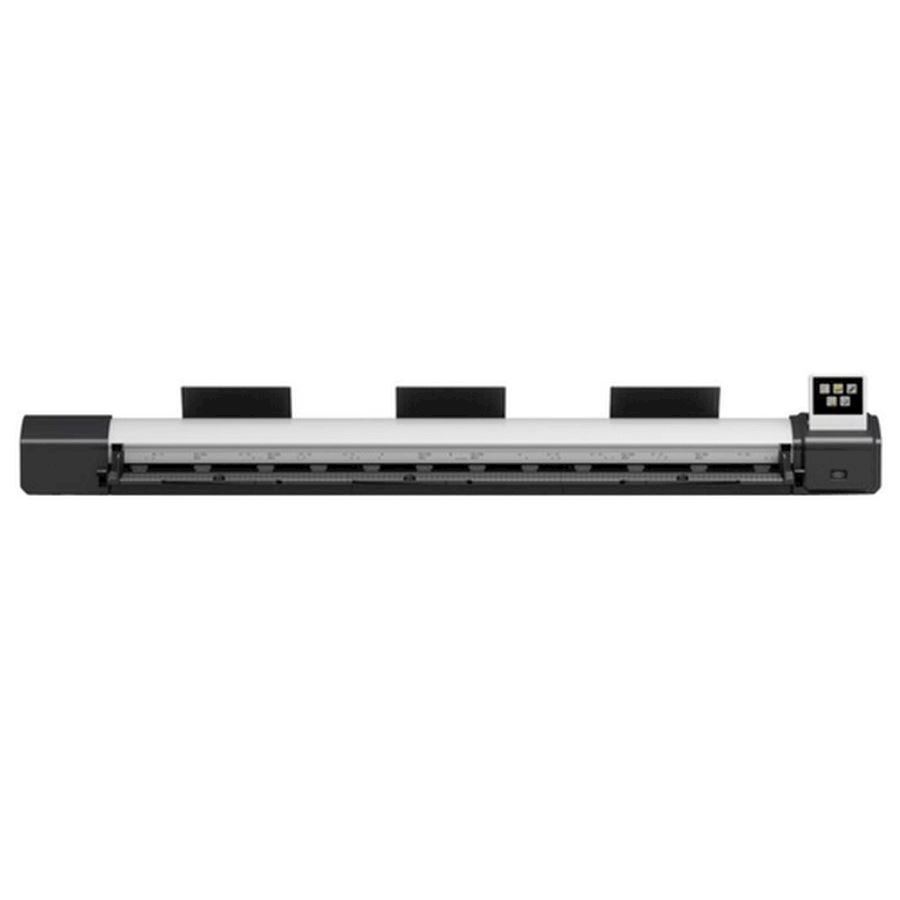
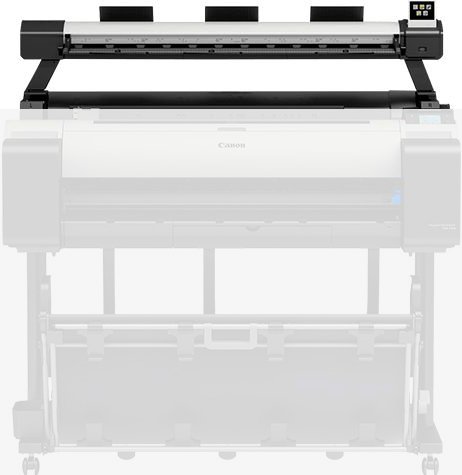
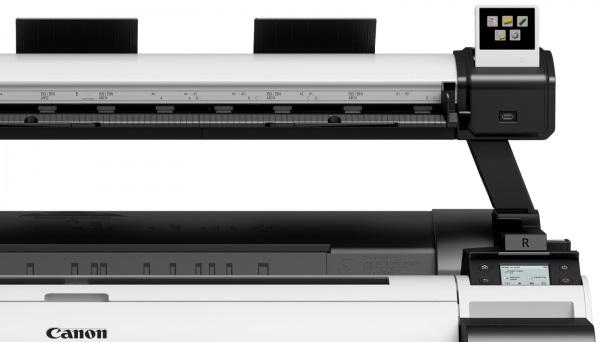
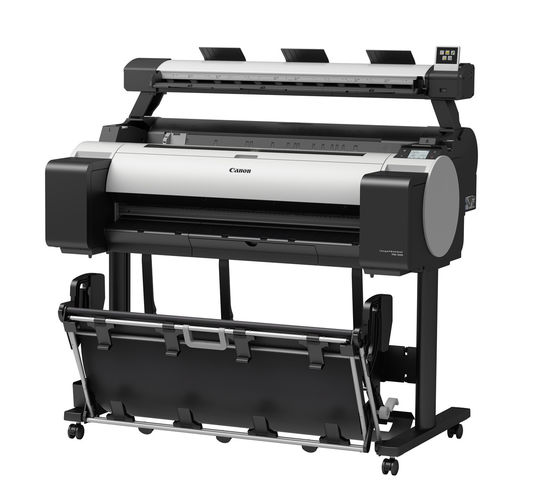
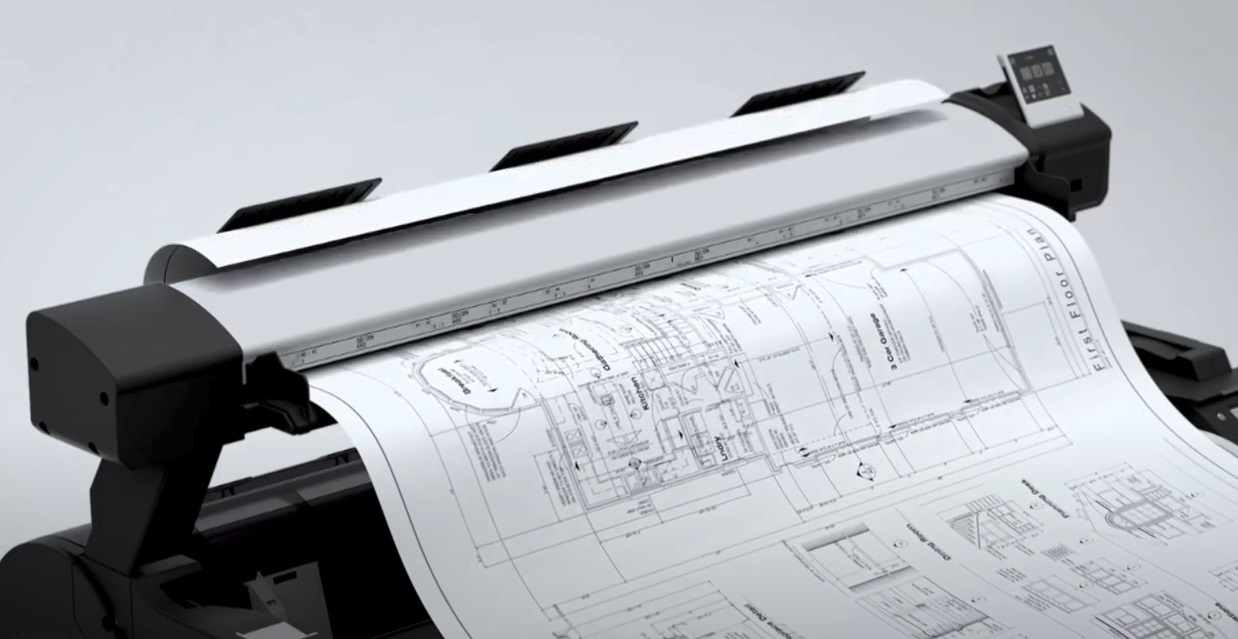
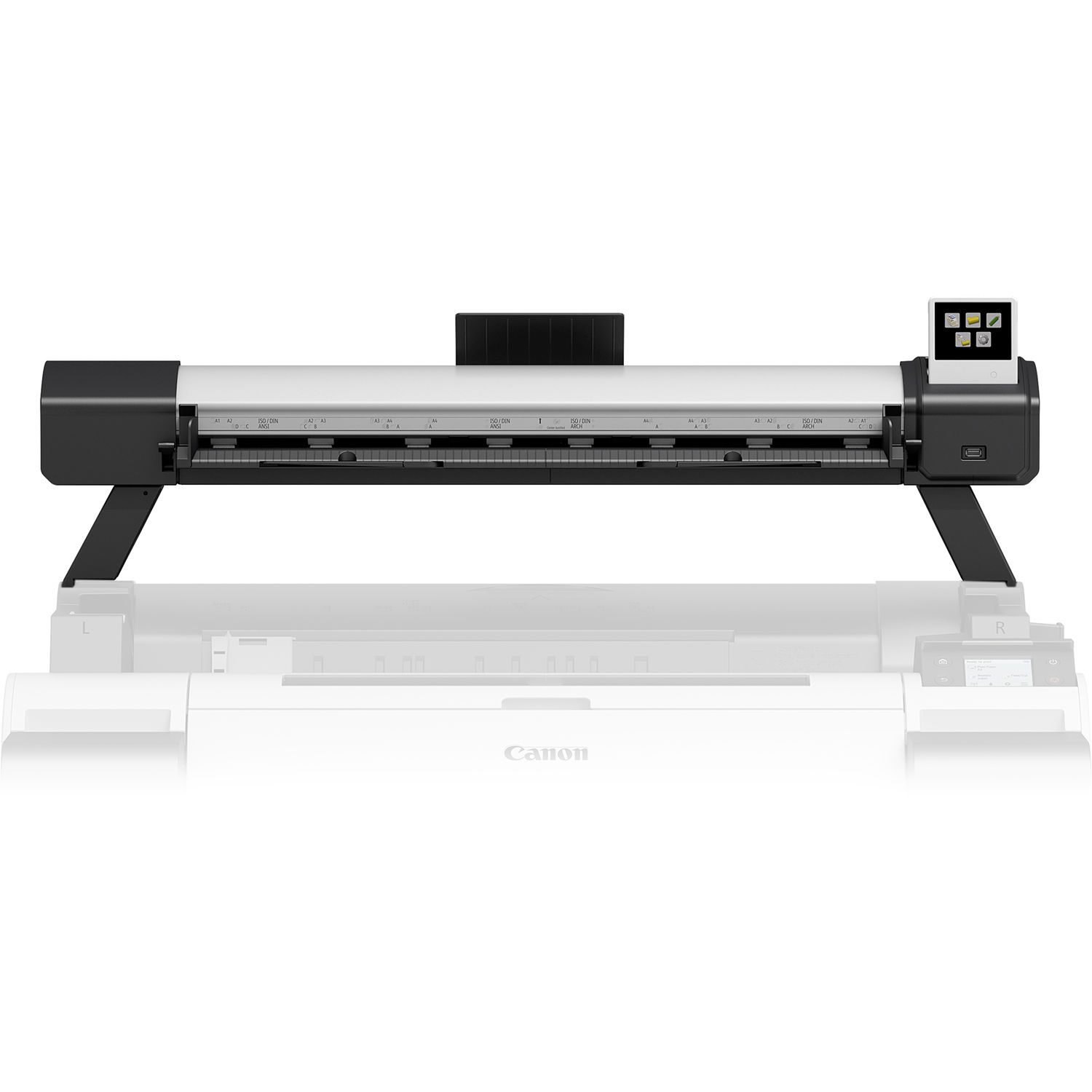
This option is an upgrade for the 36" TM series models only. It will allow you to walk up and scan media so you can print on your Canon Plotter later. This option will allow you to scan archived drawings up to A0+ Size, they can be scanned back to PC that houses the software or simply to a plug N play USB storage device.
Compatible with the TM-300 & TM 305 Models to Date.
Scan Technology
SingleSensor with multiple LED illumination
Optical resolution - 600dpi.
Scan speed COPY
300/300dpi Draft = 1ips colour, 3ips mono
300/600dpi Standard = 1ips colour, 3ips mono
600/600dpi Best = 0.5ips colour, 1.5ips mono
SCAN
200dpi Draft = 1ips colour, 3ips mono
300dpi Standard = 0.5ips colour, 1.5ips mono
600dpi Best = 0.33ips colour, 1ips mono
Scan Modes
Scan to USB - RGB/Greyscale/BW, TIFF (No ScanApp Lei)
Scan to USB - RGB/Greyscale/BW, JPG, PDF, PDF/A, M-PDF (ScanApp Lei available)
Scan to PC - RGB/Greyscale/BW, Tiff, JPEG, PDF, PDF/A, TiffG4, M-PDF
Copy - RGB/Greyscale/BW
Copy & Archive – (Combination of Copy and Scan to PC above).
Cloud connectivity is achieved by a link to Canon’s Direct Print & Share.
PRINT is achieved by using Canon’s Direct Print & Share.
Paper path
Face up, rear exit. Forward document transport only
Document return guide(s) included
Scan width
34" / 914mm
Min. scan width
6.2" / 157.4mm
Min. document width
26" / 660.4mm
Max. scan length
109" / 2768mm
Max & Min Document thickness
Designed to scan Canon iPF printer CAD paper.
Min = 0.07mm
Max = 0.5mm
Scan accuracy
Accuracy 0.2% +/-1 pixel
What's in the Box?
L36ei scanner Printer mounting brackets, fixings & 3mm tool 2 feet for desktop use 2 paper edge guides
1 Document return guides
Calibration target
CD for ScanApp Lei software (includes PDF documentation: L24ei Scanner User Manual per language and Quick Start Guide)
L36ei Scanner Quick Start Guide.
Ethernet cable (2 meter)
Power Supply
Regional - Mains power cord(s) (2 meter)